The Central Board of Secondary Education is expected to declare the Class 10 board exam result by mid-May 2026. Over 22 lakh students who appeared for the exams this year are waiting for their scores to go live on results.cbse.nic.in.
The board has not confirmed an exact date yet. In previous years, results were announced between 10 May and 25 May. This year’s timeline is expected to follow a similar pattern.
What You Need Before Checking the Result
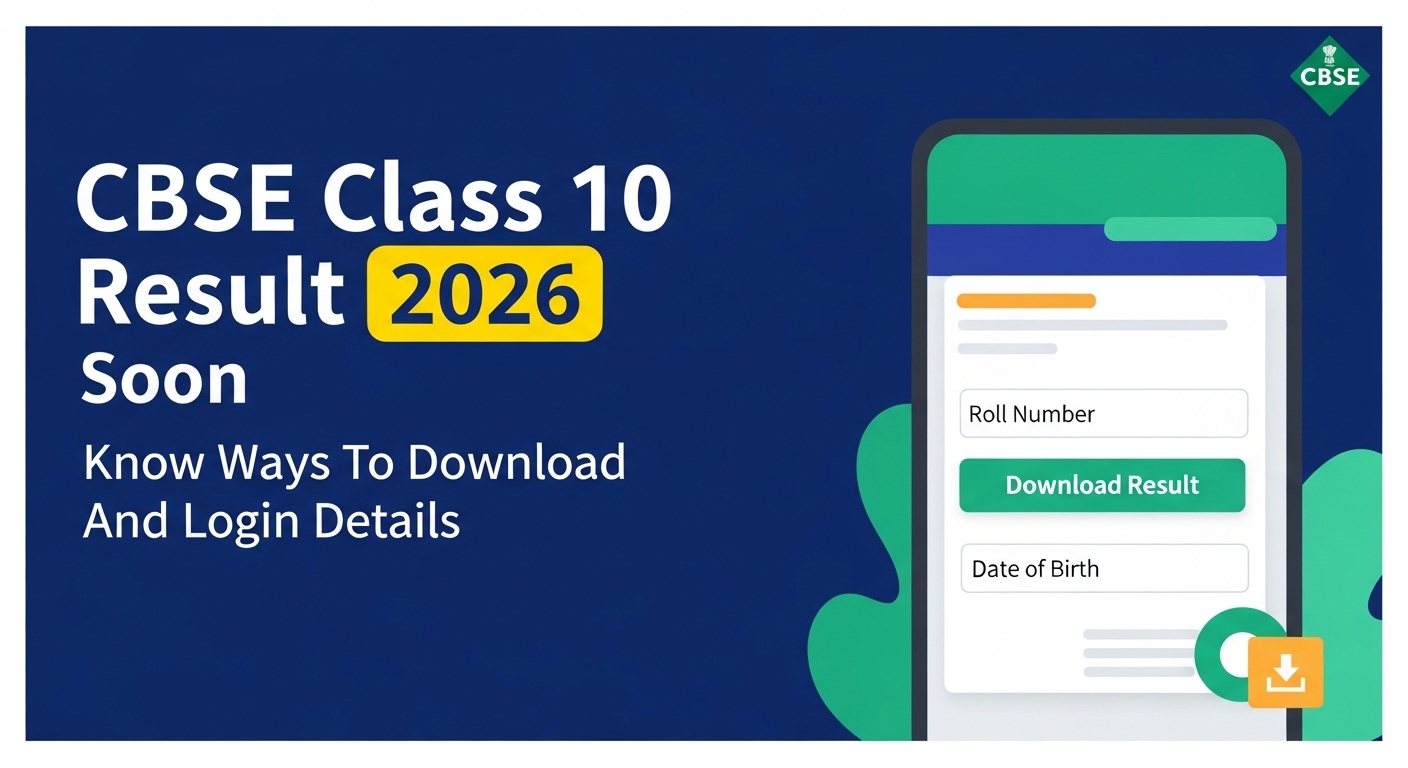
Students will need two things to log in and view their result: their Roll Number and their Date of Birth. Both details are printed on the CBSE admit card issued before the exams.
Candidates should keep their admit card within reach before the result is declared. The Roll Number is the primary identifier used across all official result portals.
Official Websites to Check CBSE Class 10 Result 2026
The board operates more than one portal where results are made available. This helps manage the traffic load when results go live.
The main websites to check are:
Students can also access their result through DigiLocker and the UMANG app. Both platforms offer a digitally signed copy of the marksheet, which is accepted for school admissions and other official purposes.
How to Download CBSE Class 10 Result from results.cbse.nic.in
Once the result is declared, candidates can follow these steps on the official website:
- Open a browser and go to results.cbse.nic.in
- Click on the link for CBSE Class 10 Result 2026
- Enter your Roll Number in the first field
- Enter your Date of Birth in the format shown on screen
- Click the Submit or View Result button
- Your result will appear on the screen
- Download the page or take a screenshot for your records
- Print a copy if needed for immediate use
The website may load slowly right after the result is declared. This is common. Trying after a short wait usually helps.
How to Get CBSE Class 10 Marksheet on DigiLocker
DigiLocker is a government-run platform where CBSE uploads digitally signed marksheets and passing certificates. Students can access these documents directly from their DigiLocker account.
Here is how to get the marksheet through DigiLocker:
Here is how to get the marksheet through DigiLocker:
- Go to digilocker.gov.in or open the DigiLocker app
- Sign in using your registered mobile number or Aadhaar number
- If you are a new user, register first using your mobile number
- Click on the Education section or search for CBSE
- Link your Class 10 Roll Number when prompted
- Download the marksheet once it appears under Issued Documents
CBSE usually uploads documents to DigiLocker within a day or two of the result declaration. The marksheet available here carries the same validity as a physical copy.
How to Check Result on UMANG App
The UMANG app also provides access to CBSE results. It is available on both Android and iOS.
Steps to check result on UMANG:
- Open the UMANG app on your phone
- Search for CBSE in the services section
- Select Class 10 Result 2026
- Enter your Roll Number and Date of Birth
- Submit the details to view your result
What the Result Page Will Show
The result page displays the student’s name, Roll Number, school code, and subject-wise marks. It also shows whether the student has passed, failed, or been placed in a compartment category.
Grades and marks both appear on the result. CBSE follows a grading scale where marks between 91 and 100 fall under the A1 grade. Students who receive a compartment result in one subject have an option to appear for the compartment exam later.
Compartment Result and Re-Checking Options
Students who do not pass in one subject are placed in the compartment category. CBSE conducts a separate compartment exam, usually in July. Candidates can register for this exam through their school.
Those unhappy with their marks in any subject can apply for verification of marks or re-evaluation. The board charges a fee for this process. Requests have to go through the school within the deadline set by CBSE after the main result.
Physical Marksheet and Migration Certificate
The result on the official website is provisional. The original marksheet, passing certificate, and migration certificate are sent to the respective schools by CBSE.
Students need to collect these documents from their school. These physical copies are required for Class 11 admissions, competitive exam registrations, and other formal processes. Keep them in a safe place once collected.
What to Do If the Website Is Not Opening
Server issues on result day are common given the number of students trying to access the portal at the same time. If the website does not load:
- Wait for 10 to 15 minutes and try again
- Switch between the two result websites listed above
- Use the DigiLocker or UMANG app as an alternative
- Ask your school to share your result if all portals remain inaccessible
Schools receive results from CBSE and can confirm individual scores if needed.
SMS Result Service
CBSE also offers a result through SMS for candidates without stable internet access. The exact SMS format and number are announced by the board at the time of result declaration. Details are posted on cbse.gov.in.
Students in areas with poor internet connectivity can use this option to get their result directly on their phone without needing a data connection.